
Can You Watch Live Sport on IPTV in Ireland?
Live sport is the most demanding thing you can watch over IPTV: everyone tunes in at the same moment, fast motion needs a high bit rate, and a few seconds of buffering at the wrong time ruins the moment. This guide explains how live sport over IPTV works and how to set up for a smooth match day.
How live sport over IPTV works
Live channels are streamed over the internet in real time. Your app downloads the stream in small segments and keeps a short buffer. Two things follow from this:
- There is a delay. IPTV streams are usually 10–60 seconds behind the live TV broadcast. You may hear neighbours celebrate a goal before you see it.
- Peak times matter. When a big match starts, demand on servers and on your internet provider rises sharply. Stability at these moments is the real test of any IPTV service.
Picture quality and speed for sport
| Quality | Speed per stream | Notes |
|---|---|---|
| HD 720p/1080p (often 50 fps) | 15–25 Mbps | Best balance for most homes |
| 4K | 35–50 Mbps | Only if your connection is stable at that speed in the evening |
For sport, a stable HD stream is better than a 4K stream that buffers. If your connection is borderline, pick the HD version of a channel.
Match-day checklist
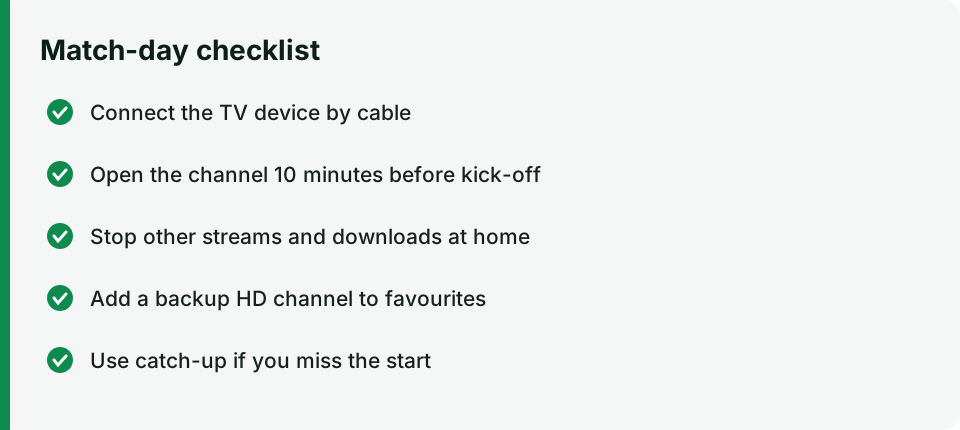
- Use a cable. Connect your TV device with Ethernet, or use 5 GHz Wi-Fi close to the router.
- Start early. Open the channel 10 minutes before kick-off so the app and buffer are ready.
- Stop other traffic. Pause downloads, game updates and other streams in the house.
- Have a backup channel. Add the alternative HD/FHD version of the channel to favourites.
- Restart before the match – a quick restart of the Firestick and router clears memory.
- Use catch-up if you miss the start (on channels where catch-up is available).
Multi-screen for busy sports days
Apps like IPTV Smarters and TiviMate can show several channels at once (multi-screen). Each window is a separate stream, so you need a plan with enough connections and enough bandwidth (roughly 25 Mbps per HD window).
Sports content on IPTV
IPTV channel lists for Ireland usually include sports groups organised by country and sport — football, rugby, GAA, golf, racing, motorsport, tennis, boxing and more. What is available depends on the provider and can change; check the channel list or ask us about a specific competition before you subscribe.
Official ways to watch sport in Ireland
For many major events, official broadcasters and streaming services are available in Ireland:
- RTÉ and TG4 show a lot of GAA, rugby, international football and major events free-to-air, also on RTÉ Player and TG4 Player.
- GAAGO is the official GAA and RTÉ streaming service for championship matches not shown on free TV.
- Virgin Media channels carry football and rugby, also on Virgin Media Play.
- Paid sports broadcasters and their apps carry the major leagues under licence.
Rights holders actively protect live sport: the Irish High Court has granted blocking orders against unlicensed streams of matches. Read is IPTV legal in Ireland? for what this means for viewers.
Troubleshooting during a match
| Problem | Quick fix |
|---|---|
| Buffering at kick-off | Switch to the alternative HD version of the channel; close and reopen the app |
| Picture freezes, sound continues | Clear the app cache; restart the device at half-time |
| Channel not loading | Refresh the playlist (Settings → Refresh) |
| Stream far behind live | Exit and re-open the channel to resync the buffer |
Summary
You can watch live sport over IPTV, but the experience depends on your connection at peak time and on the stability of the service. Use a wired connection, start early, choose HD over 4K if your line is borderline, and test with a short plan before a big tournament. More help: internet speed for IPTV · devices · plans.