
IPTV Features: On-Demand, Catch-Up, Recording and Parental Controls
An IPTV subscription is more than a list of live channels. Most services — including ours — come with a movies and series library, a TV guide, catch-up on many channels, and apps that let you record and set parental controls. Which features you get depends on two things: what the subscription provides, and which app you use to watch.
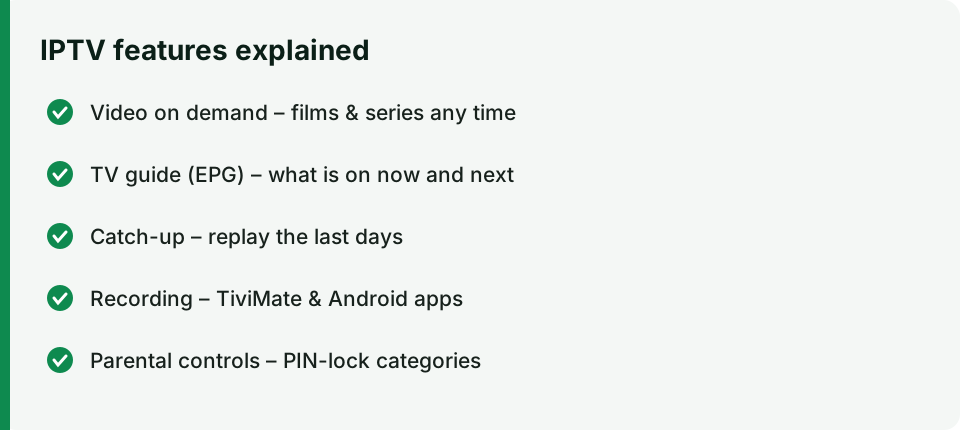
Feature overview
| Feature | What it does | IPTV Smarters Pro | TiviMate (Premium) | MAG box |
|---|---|---|---|---|
| Video on demand (VOD) | Films and series you can start any time | ✓ | ✓ | ✓ |
| TV guide (EPG) | See what’s on now and next | ✓ | ✓ (best) | ✓ |
| Catch-up | Watch programmes from the past days | ✓* | ✓* | ✓* |
| Recording | Save a programme to storage | Android only | ✓ (USB / internal) | Limited |
| Parental controls | PIN-lock categories or channels | ✓ | ✓ | ✓ |
| Multi-screen | Several channels at once | ✓ | ✓ | – |
* Only on channels where catch-up is available — these are marked with a clock or rewind icon.
Video on demand (VOD)
The VOD section is split into Movies and Series. You can usually:
- Browse by category – new releases, genres, languages, kids
- Search by title
- Resume where you stopped (Continue watching)
- Choose audio and subtitles – open the player menu during playback and select Audio or Subtitles
The library is updated regularly, so if a title isn’t there today it may be added later. VOD streams use the same bandwidth as live channels: around 25 Mbps for Full HD and 50 Mbps for 4K.
Catch-up TV
Catch-up lets you watch programmes that already aired, typically from the last 1 to 7 days, depending on the channel.
In IPTV Smarters Pro: open Catch Up on the home screen → choose a channel → choose the day and programme.
In TiviMate: open the TV guide, scroll left into the past on a channel with the catch-up icon and select the programme.
If a channel has no catch-up icon, its programmes cannot be replayed — record them instead (see below).
Recording shows
Recording depends on your device and app:
- TiviMate on Android TV / Google TV / Firestick: with TiviMate Premium you can record a programme from the guide (long-press → Record) or schedule recordings. Save to a USB drive for more space — Firesticks have little internal storage.
- IPTV Smarters on Android: some versions offer a record button in the player; recordings go to the device storage.
- Smart TVs and iPhone/iPad: recording is generally not available. Use catch-up instead.
Tips: keep at least a few GB free, and remember that recording uses an extra stream — if your plan allows one connection, you may not be able to watch another channel while recording.
Parental controls
If children use the TV, take two minutes to lock adult and unsuitable content.
IPTV Smarters Pro:
- Open Settings → Parental Control.
- Create a PIN.
- Select the categories (Live, Movies, Series) to lock.
TiviMate:
- Open Settings → Parental control and set a PIN.
- Go to the channel list, long-press a group or channel → Lock.
MAG: in Settings → Parental control, set a PIN and lock channels from the channel list.
Also use the device’s own controls: Fire TV has a Parental Controls PIN in Settings → Preferences, and Android TV supports restricted profiles.
Multi-screen and favourites
- Favourites – add channels and films you watch often so they open in two clicks.
- Multi-screen – IPTV Smarters and TiviMate can show several channels at once (useful on match days), but each tile uses a stream, so your plan and internet must support it.
Troubleshooting
| Problem | Fix |
|---|---|
| Empty TV guide | Settings → EPG → Update / Refresh, or wait a few minutes after first login |
| Catch-up won’t play | Check the channel has the catch-up icon and the programme is within the available days |
| Recording fails on Firestick | Free up storage or record to a USB drive with an OTG adapter |
| Film has no subtitles | Not all titles include subtitles — try another version of the title in the library |
More help: setup instructions · equipment guide · contact support.